 BEAM→ Revit
Rhino geometry becomes Revit families, with materials, categories and parameters.
Watch demo




























Rhino, Revit and IFC are connected in one practical workflow, so teams can focus on design instead of rebuilding models. BEAM keeps the geometry you already trust and adds BIM structure on top of it.
No complex scripts. No steep learning curves.
Just BIM made simple.
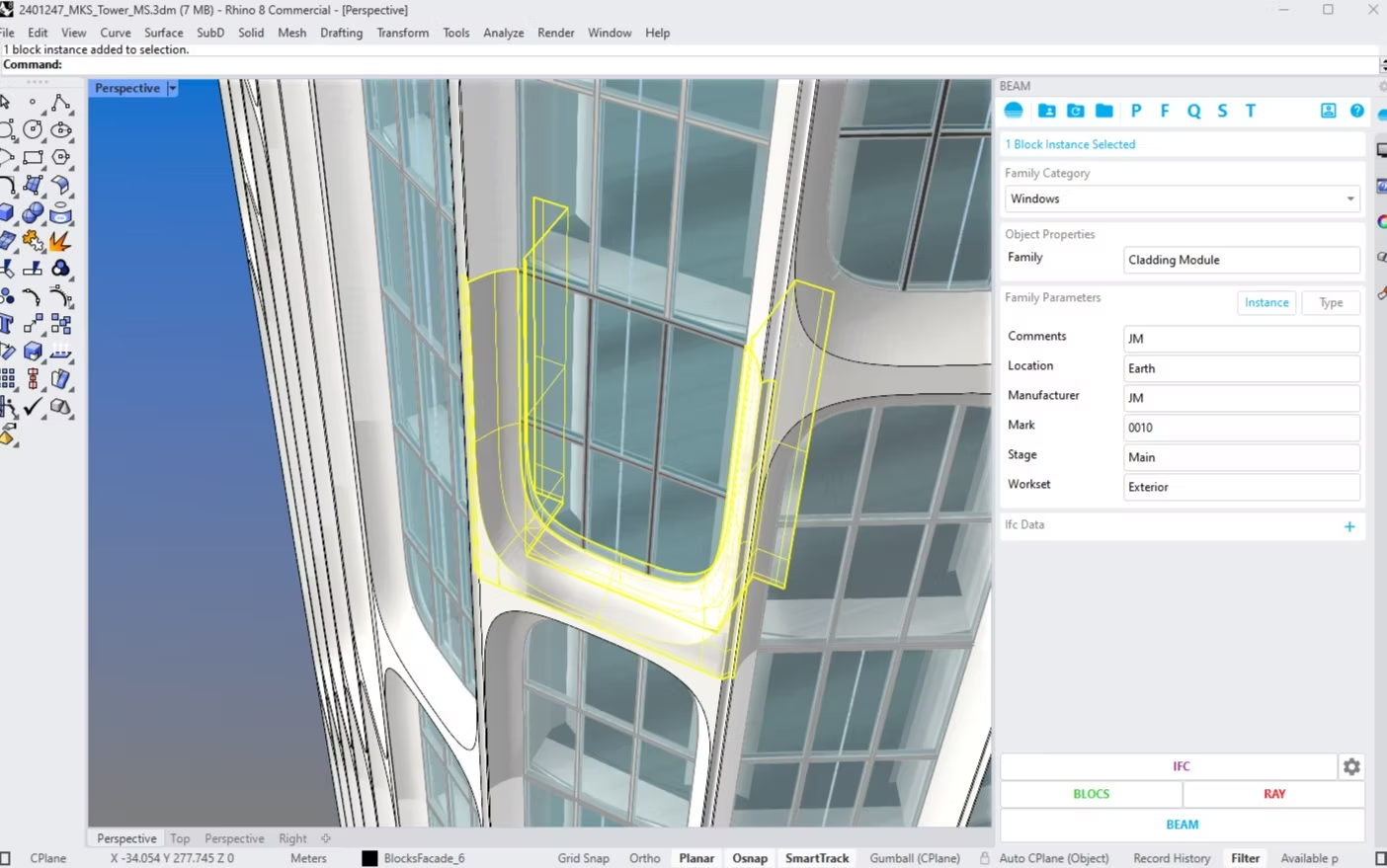

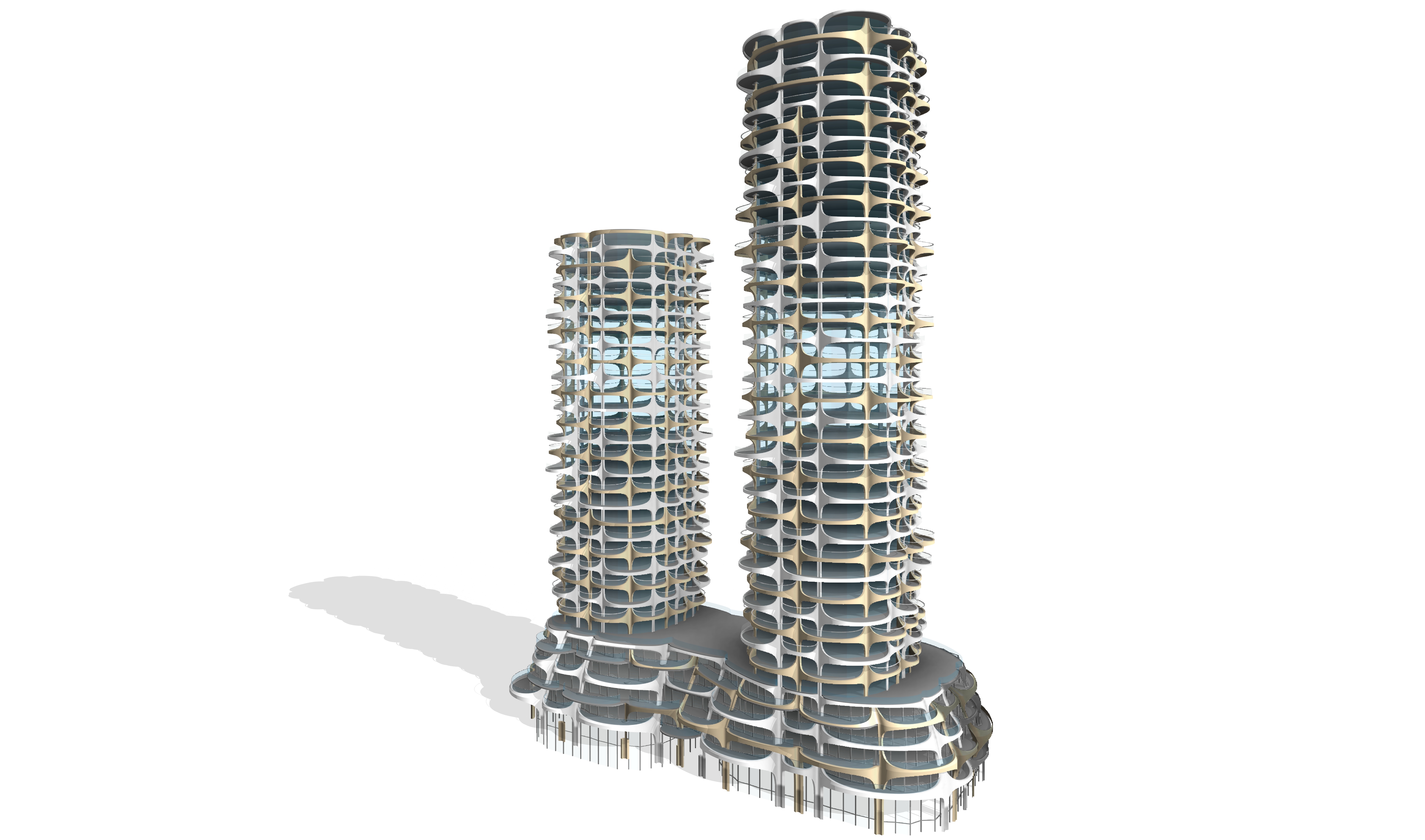
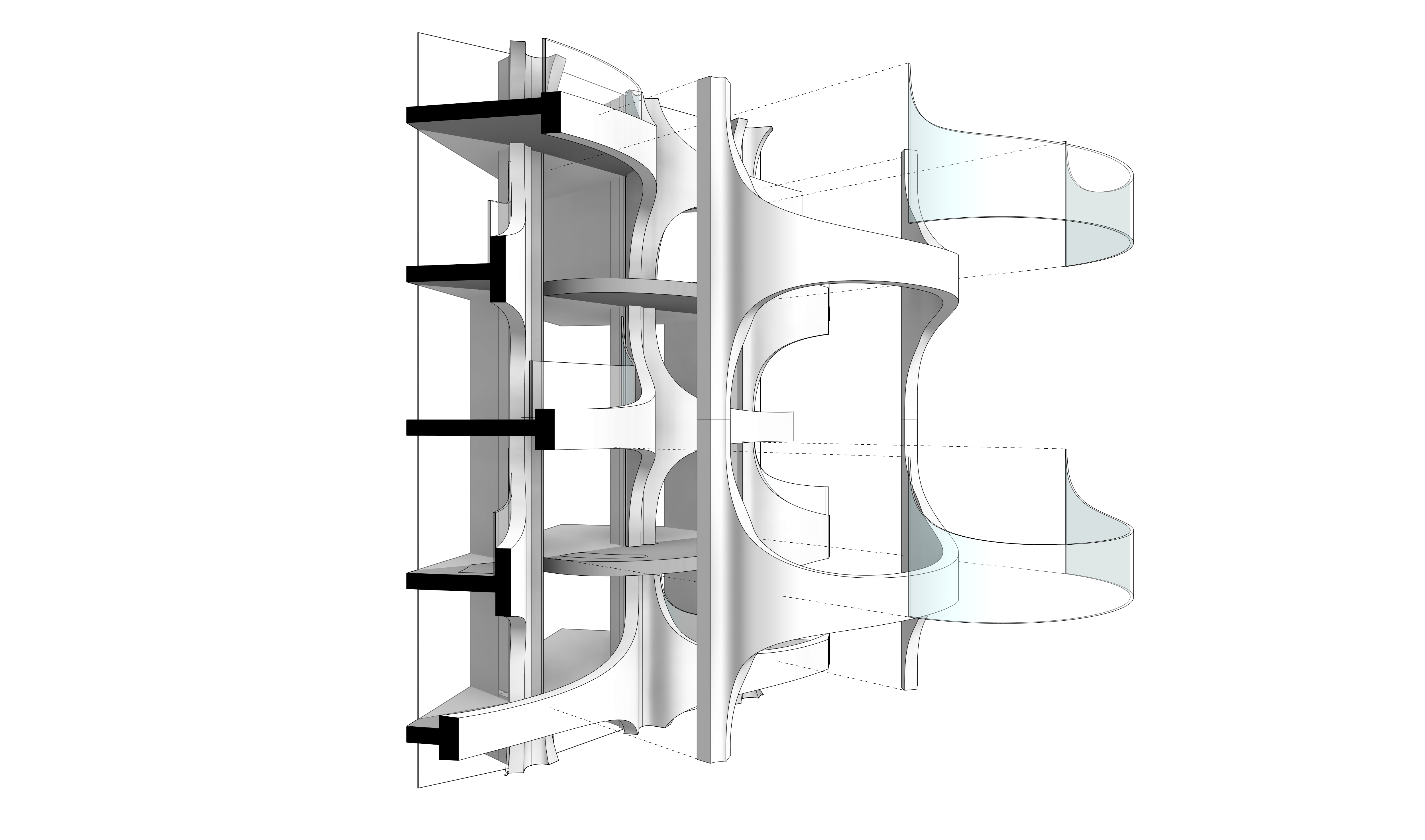



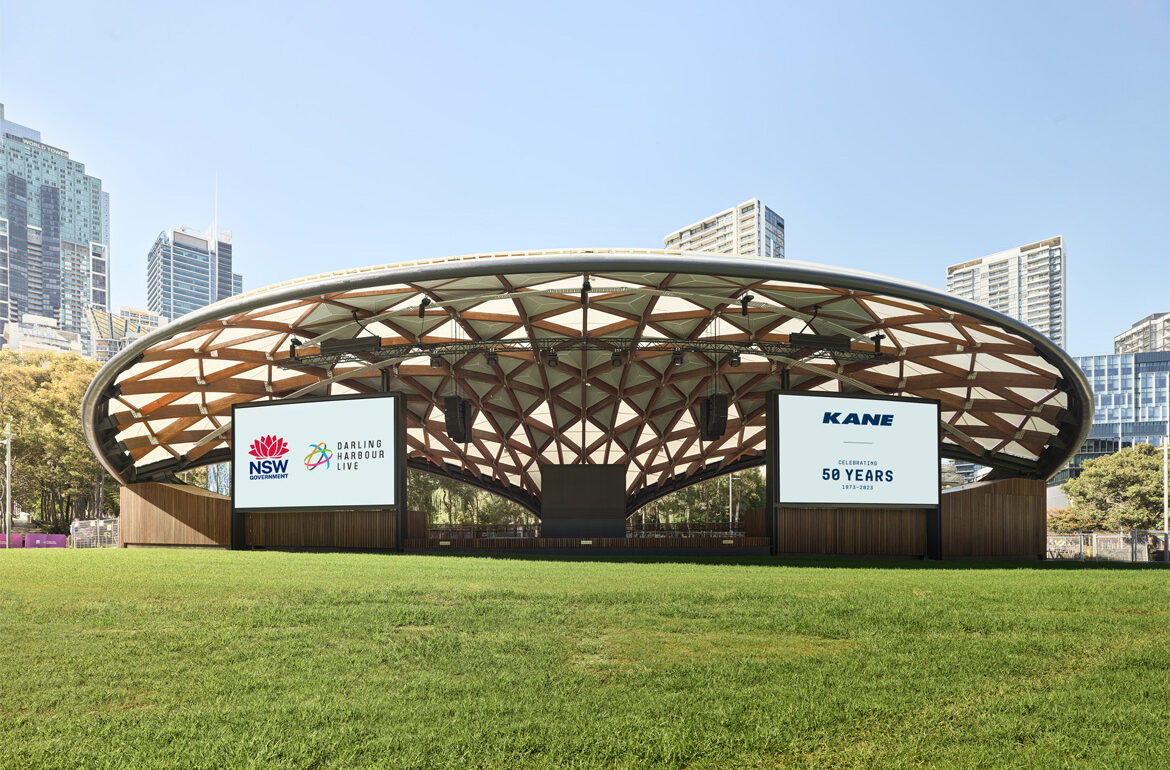
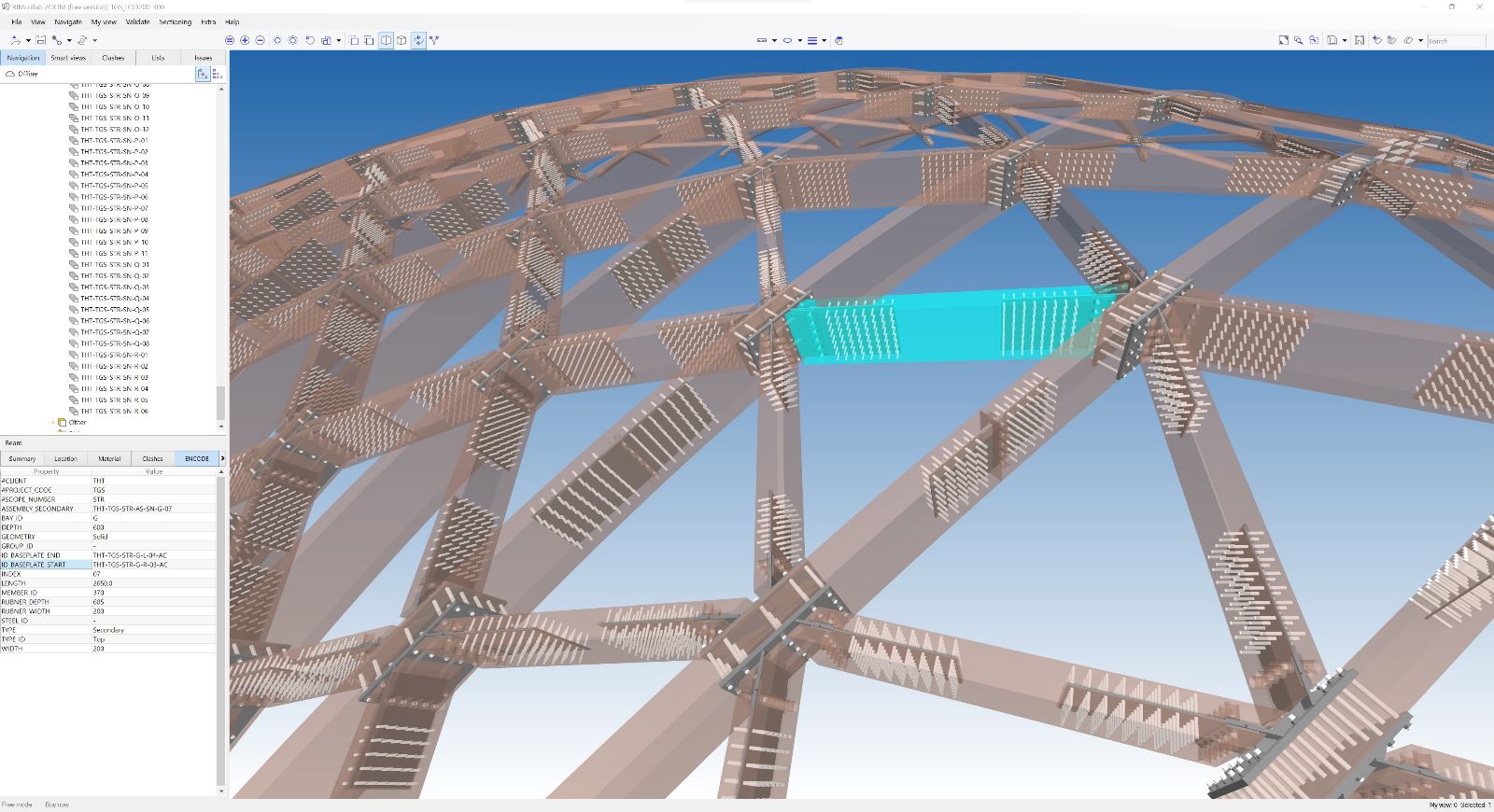
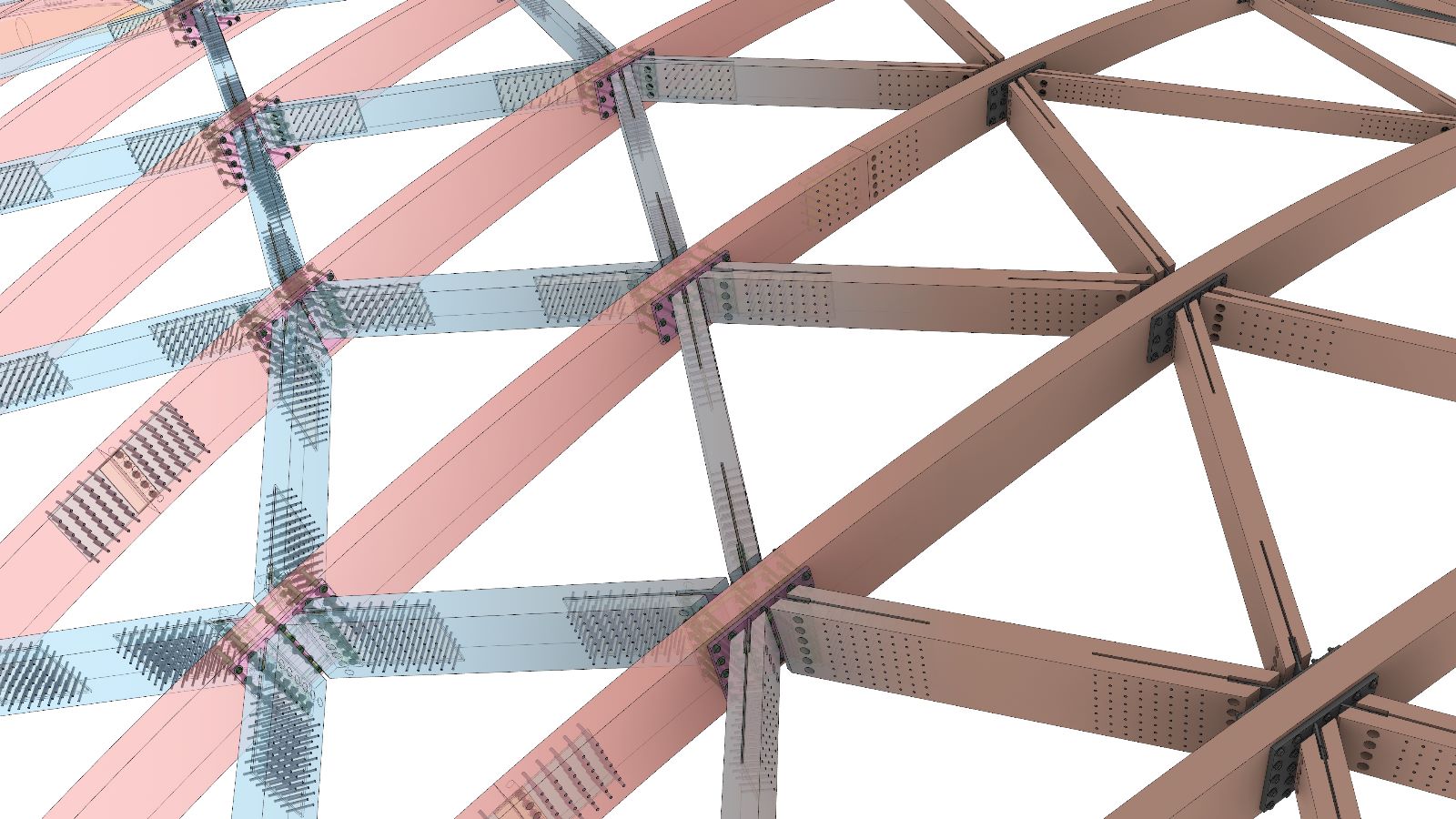

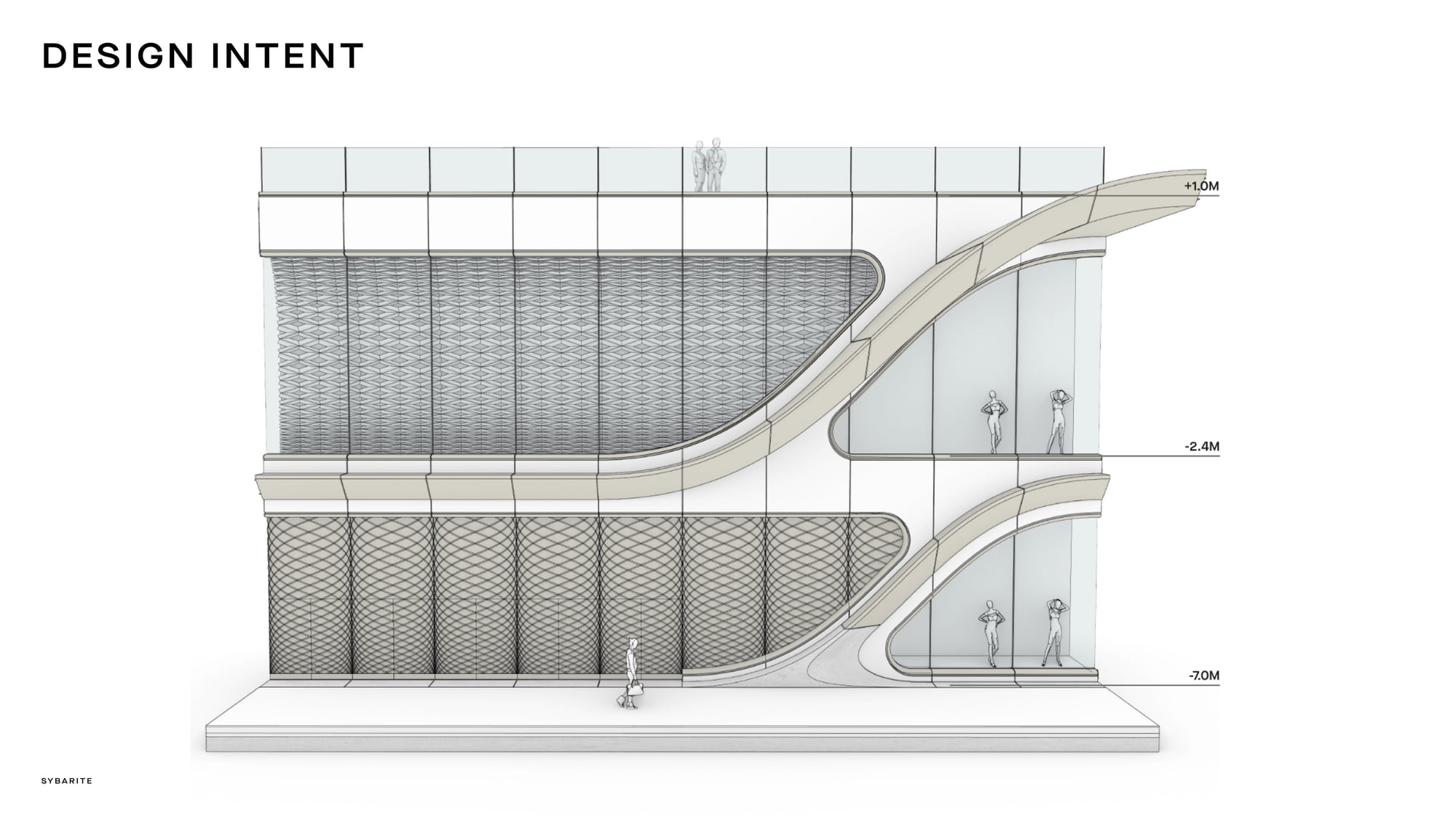
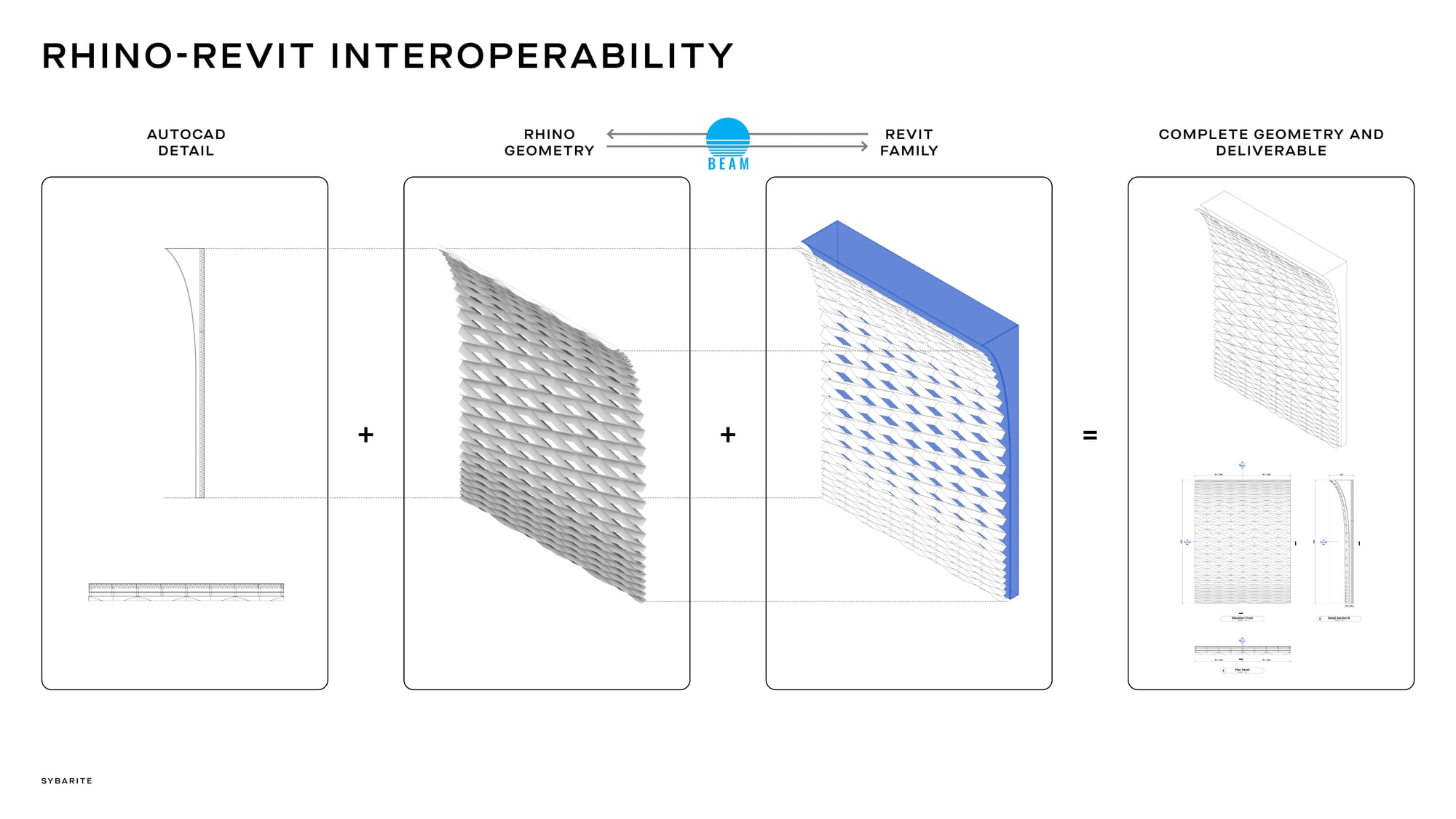
Complex Rhino geometry prepared for BIM delivery.
Project example courtesy of Heatherwick.BEAM lets teams assign BIM information to Rhino geometry, manage that information in a dedicated panel and connect the model to Revit and IFC workflows.
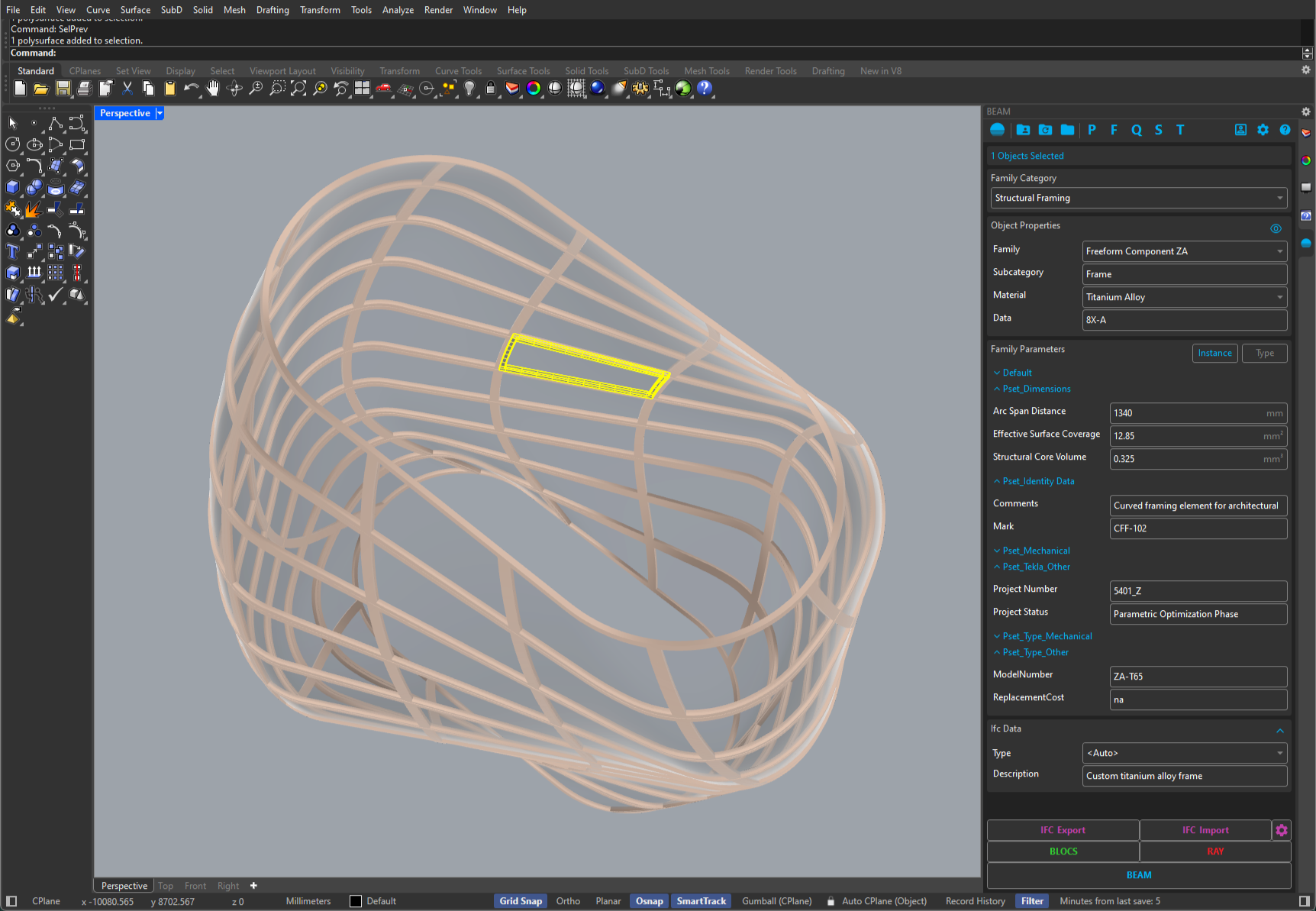
Create BIM-aware objects and manage their data from the BEAM panel, then generate schedules and export to Revit or IFC. The data stays attached to the geometry it describes.
| Name |
|---|
| Curtain Panel Schedule |
| Door Schedule |
| Panel Quantities by Level |
<Family> | <Category> | <Level> | Panel Width | Fire Rated |
|---|---|---|---|---|
| Unit 1 | Curtain Panels | Level 1 | 1200mm |
|
| Unit 1 | Curtain Panels | Level 1 | 1200mm |
|
| Unit 1 | Curtain Panels | Level 2 | 1200mm |
|
| Unit 2 | Curtain Panels | Level 2 | 1500mm |
|
| Unit 2 | Curtain Panels | Level 2 | 1500mm |
|
| Spandrel Panel | Curtain Panels | Level 3 | 1200mm |
|
| Unit 3 | Curtain Panels | Level 3 | 1800mm |
|
| Unit 3 | Curtain Panels | Roof | 1800mm |
| Order | Colour | Parameter | Rule |
|---|---|---|---|
| 1 | Panel Width | Is greater than 1000 And Is less than 1500 | |
| 2 | Panel Width | Is greater than 1500 | |
| 3 | <Level> | Equals Level 2 |
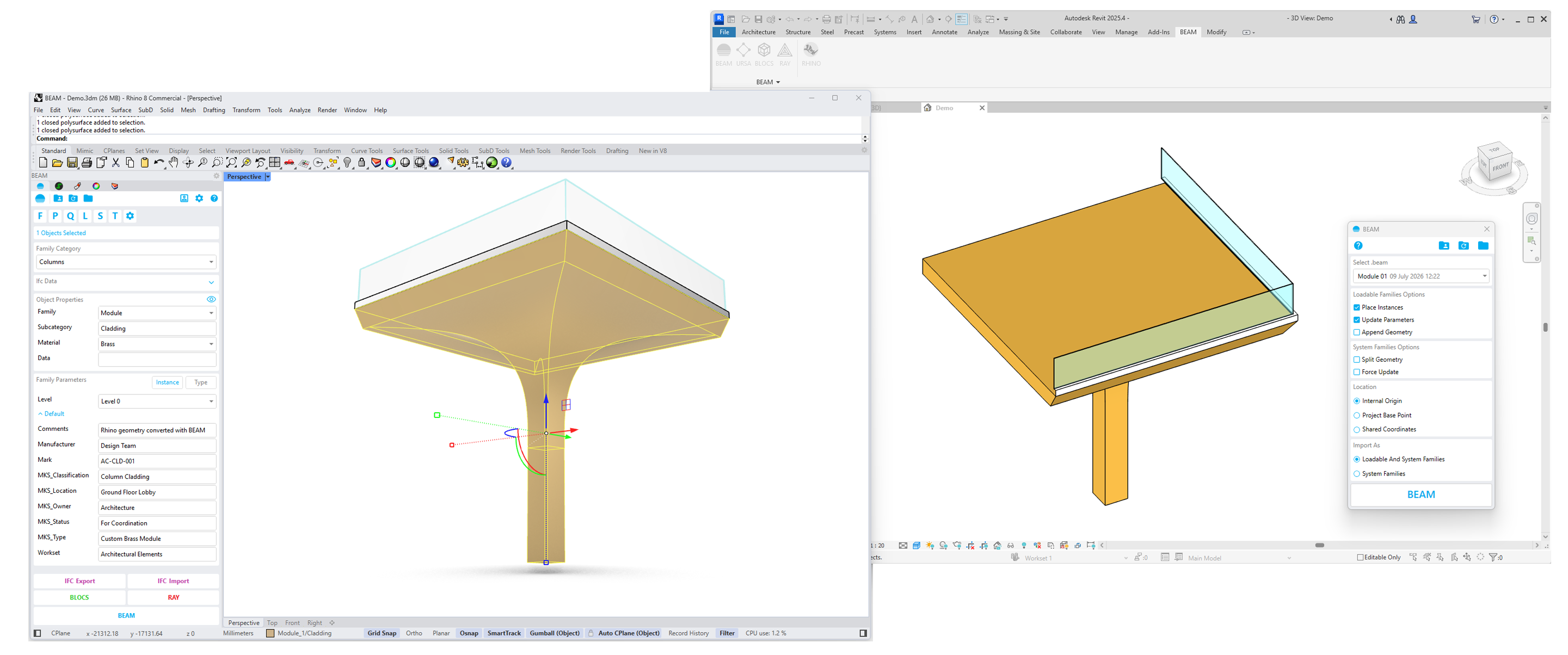
BEAM links Rhino and Revit through four focused tools: geometry import, block-based family placement, adaptive components and Revit data return.
 RhinoDesign model
 RevitBIM model
BEAM
Families
RevitBIM model
BEAM
Families
 BLOCS
Instances
BLOCS
Instances
 URSA
Adaptive components
URSA
Adaptive components
 RAY
Geometry · materials · parameters
BEAM→ Revit
RAY
Geometry · materials · parameters
BEAM→ RevitRhino geometry becomes Revit families, with materials, categories and parameters.
Watch demoBLOCS→ RevitRhino blocks place Revit family instances, keeping repeated elements controlled from Rhino.
Watch demoURSA→ RevitRhino points, curves and polylines drive adaptive Revit components.
Watch demoRAY→ RhinoRevit geometry, layers, materials and parameters return to Rhino.
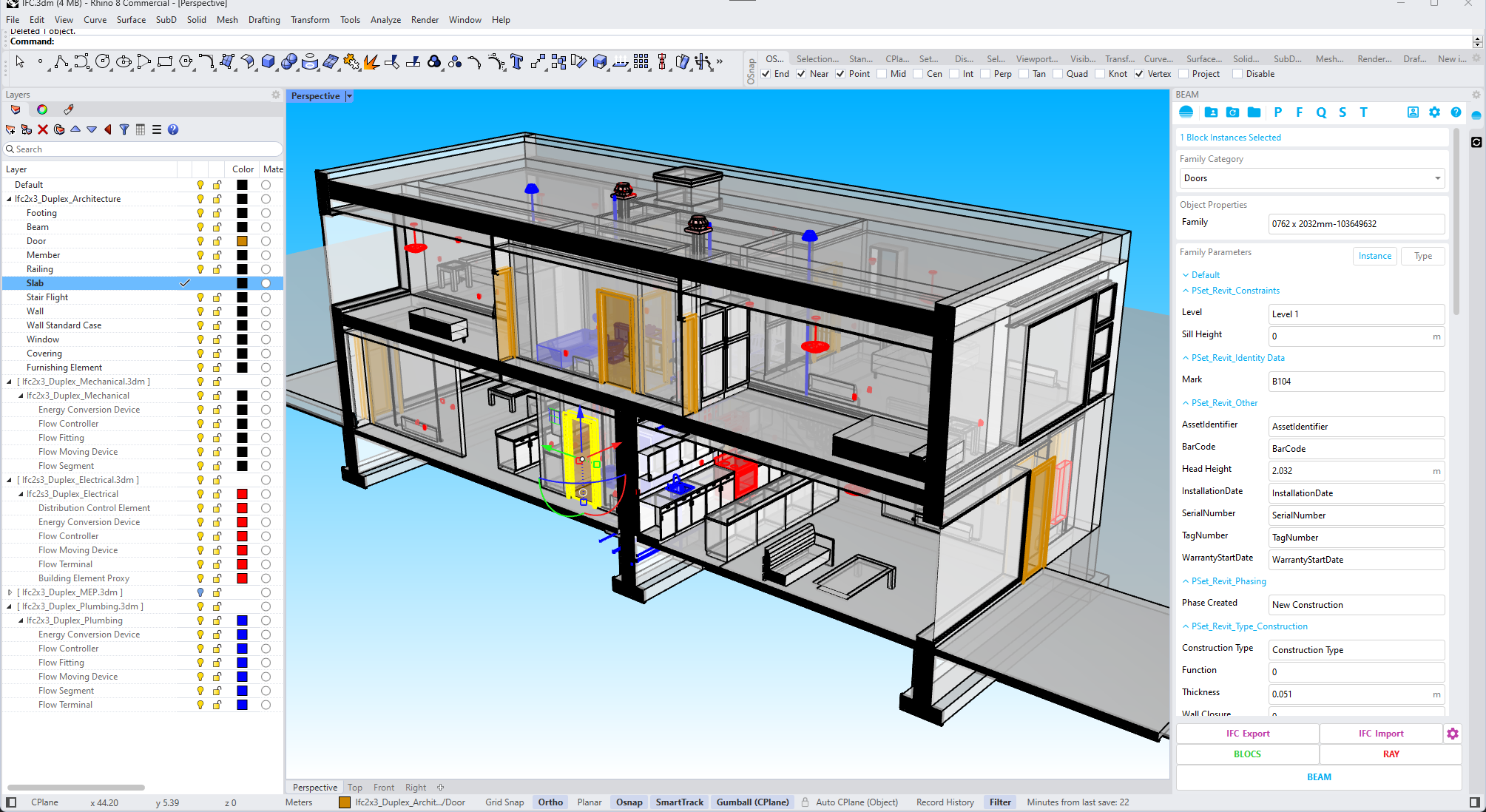
Watch demoImport, export and visualize IFC files directly in Rhino. BEAM reads and writes IFC 2x3 and IFC 4, so your Rhino model joins any open BIM workflow: coordination, review or delivery.
 Open BIM exchange
BEAM is flexible, simple yet powerful, capable of handling complex geometry and large projects. Here is where teams lean on it most.

Flexible, simple yet powerful, capable of handling complex geometry and large projects without slowing down.
Import and export Rhino objects with their data in IFC 2x3 and IFC 4, so your model joins broader BIM workflows.

Use Grasshopper to generate geometry and assign BEAM data, then drive complex Revit and Dynamo workflows.
Studios around the world rely on BEAM to move geometry and data between Rhino®, Revit and IFC.
Download BEAM and start adding BIM structure to Rhino geometry, or get in touch about a production Rhino-to-Revit or Rhino-to-IFC workflow.