Work together in Rhino®
Rhino Sync lets teams work together on the same 3DM file. Objects lock to whoever edits them, and the file stays on your own network disk or cloud drive.
NewAI agents and web viewer
 Sync
Lock, reload and synchronize Rhino objects.
No merging files at the end of the project. Objects lock to whoever is editing them and Rhino Sync merges every edit automatically, so the team stays on one central model without conflicts and without stitching copies back together. On large models, quick changes share your edits in seconds between syncs.
- YouEdits locked to you
- Synchronize saves your edits
- Central 3DMNetwork disk or cloud
- Reload gets the latest
- TeammatesTheir Rhino
Between syncs, quick changes travel through the Rhino Sync server: Send shares only what you edited, in seconds.
Start collaboration
Select the central 3DM file and join a collaborative session.
End collaboration
Close the session and relinquish unsynchronized objects.
Reload latest
Download the latest changes from the central model.
Synchronize
Upload your changes and download updates from the shared model.
Quick changes
For large models. Turn it on when you start or join a session.Share your quick changes: only the objects you edited, in seconds, without saving the central file.
Also brings in everyone’s quick changes.
Saves all quick changes to the central file.
Send time depends on what you changed, not on the size of the model. Until someone synchronizes, quick changes are held encrypted on the Rhino Sync server and are not in the central file; once saved, or when the session ends, they are deleted.
See what others are drawing, before anyone syncs.
Stream your unsynchronized edits to teammates as display only geometry. Clashes surface while you are still drawing, not at the next synchronize.
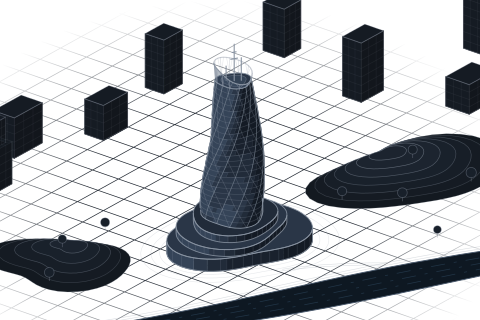
Receiving Argyle's live preview
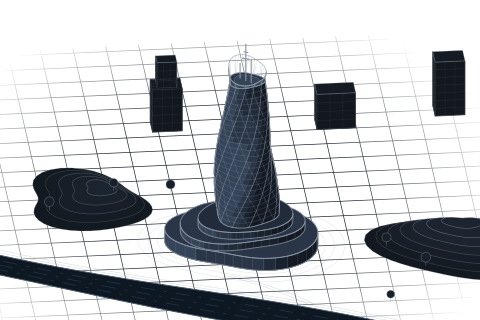
Receiving McClane's live preview
Turn broadcasting on
- Broadcasting off
- Live in a session
Turn their preview on
- Preview is visible
- Preview is hidden
Live previews are encrypted and ephemeral: they are only used to show your edits to teammates and are deleted automatically after use.
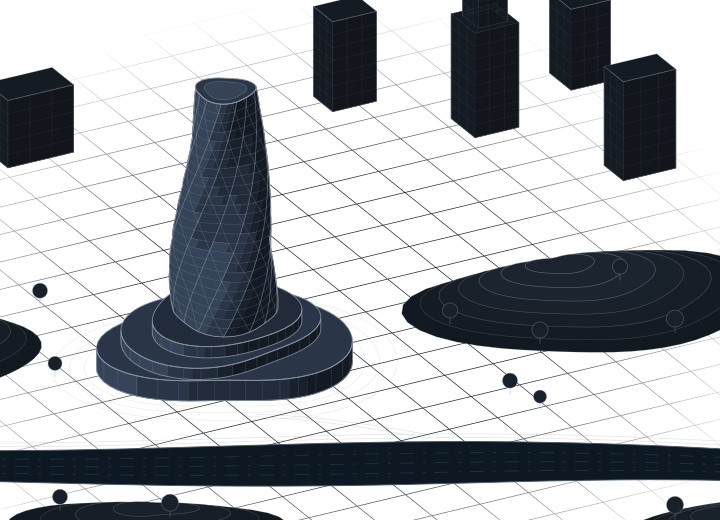
AI agents build it. You keep modelling.
Ask in the chat. Your agents join the session, each in its own Rhino, and send their work like a teammate.
Private
Only you talk to your agents.
Point at it
Attach a point, view or selection.
Like a teammate
Hands off what you're editing.
Several at once
Up to four, each in its own Rhino.
You need the Claude app or an Anthropic API key, on Windows with Rhino 8.21 or later.
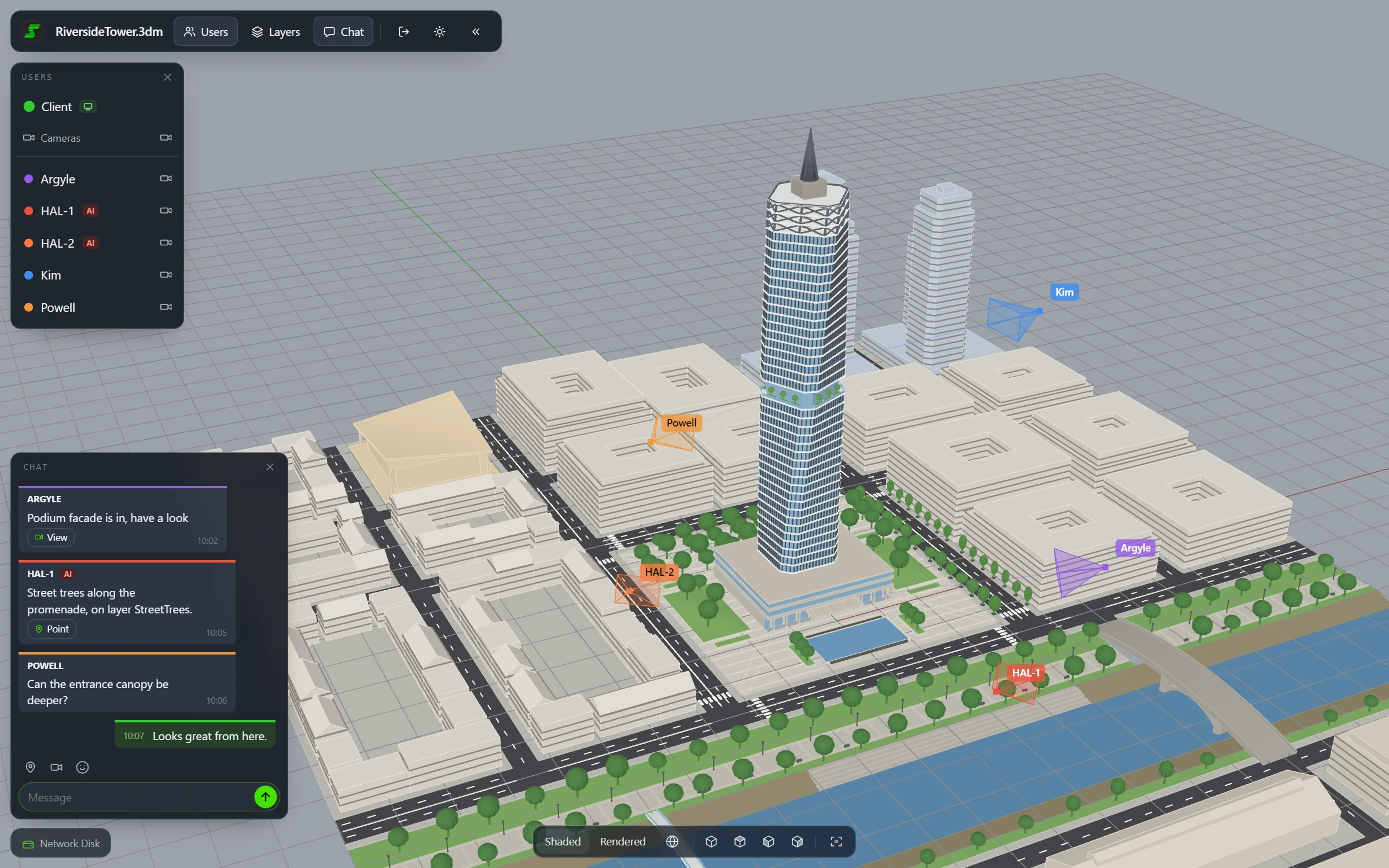
Any device
Computer, tablet or phone.
Live
Every sync as it happens.
Their view
Follow a teammate or an AI agent.
In the chat
Talk, react, jump to a view.
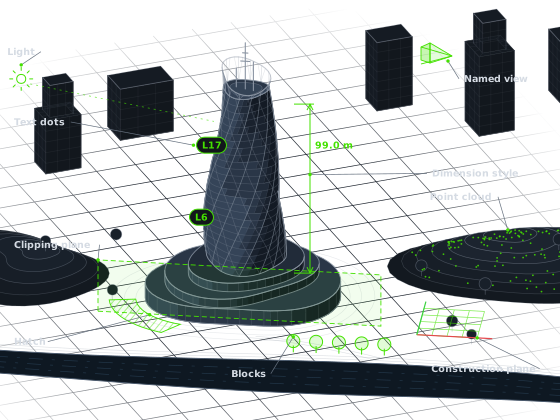
Sync Model data.
Not only geometry: blocks, layers, materials, views, layouts and annotation styles all stay in step across the team.
Use your favorite storage.
When you collaborate, reload or synchronize, we don't store your design data. Rhino Sync supports collaborative workflows on shared network drives, Google Drive, OneDrive and Dropbox. The shared central model lives where your studio already keeps its files.
Network disk
Keep the central 3DM file on a shared studio drive. Rhino Sync coordinates ownership and synchronization across everyone connected to it.
Google Drive
Use Google Drive as the collaboration layer for distributed teams. The same lock, reload and sync workflow keeps the model coordinated.
OneDrive
Keep the central model in OneDrive or a SharePoint library. Teams on Microsoft 365 collaborate from wherever they work.
Dropbox
Pick the central model from a shared Dropbox folder. Large files upload in parts, so big models stay in sync.
A lightweight collaboration layer.
Rhino Sync uses a lightweight ledger of element IDs to support collaboration. The server only stores the information needed to manage object ownership and synchronization. It does not store geometry or design data when you collaborate, reload or synchronize. Quick changes, live previews, cameras and chat are encrypted.
Actively maintained.
Rhino Sync is in beta and under continuous development. Your feedback decides what we build next: every report from a team running it on a live project goes straight into the following release.
- Your own AI agents, in a private Agents tab of the chat
- Start agents from the Claude app or on an Anthropic API key
- Attach your selection to a chat message, up to 2,000 objects
- Web viewer: follow a session live in any browser, on a computer or a phone
- Rendered mode in the web viewer, with skies, sun, shadows and textures
- A camera marker showing where a teammate is looking, in their colour
- Render settings synchronized, sun, skylight and ground plane included
- Render environments and textures synchronized, even the ones no material uses
- Embed textures: teammates see them without the original image files
- Pages arrive in the right order, with names that never clash
- Details keep the camera you set and arrive at the right zoom
- OneDrive and Dropbox as storage for the central file
- Layouts, detail views and page order synchronized
- Point clouds, text dots and hatch patterns synchronized
- Live preview: stream your edits to the team before you synchronize
- Clipping planes synchronized with the team
- Faster highlighting of objects in use, blocks included
- A setting to show or hide the live previews you receive
- Objects owned by a teammate can no longer be selected by mistake
- Pick the colour your teammates see, straight from the panel
- The objects-in-use report is grouped by owner and loads in the background
- All-or-nothing check-in per command, with a per-object fallback
- Settings and sign-in moved off the Windows registry
- Connection drops write a log line instead of interrupting you with a dialog
- Recovery copies of unsynchronized work
- A time-stamped log line whenever anyone finishes a synchronization
Found an issue or have a request? Write to info@mksdtech.com or post in the Rhino Sync category of the McNeel forum. Every report is read and answered.
Download the latest buildLearn how to use Rhino Sync.
WikiUp and running in five steps.
A short path from install to your first shared Rhino session.
- Install Rhino Sync from the installer or package manager.
- Open Rhino 8 or 9 and load your model.
- Start collaboration from the Rhino Sync panel.
- Choose a central 3DM file on a network disk, Google Drive, OneDrive or Dropbox.
- Lock, reload and sync objects with your team.
Read the Rhino Sync wiki
A calm, practical guide to setup, collaboration sessions and the lock, reload and sync workflow.
Open the wikiBeta release available now.
Rhino Sync is currently in beta and available to use for free without limits. As the product continues to evolve, users may occasionally encounter issues or changes as new capabilities are introduced.
Questions or feedback: info@mksdtech.com
Bring multi-user collaboration to Rhino.
Lock, reload and synchronize Rhino objects around a shared central model. Free to use during the beta, without limits.